The original iPad Air is listed in the main iPad guide's identifier table, but its final build was never stated there. Here is exactly which iPadOS build applies to the first-generation Air — and why it stops three major versions below the iPad Air 2.
For the identifier system used across every current iPad, see iPad Firmware: IPSW Downloads for Every iPad Model. That guide already lists the Air (1st gen) identifiers in its Air table, but without final-build data.
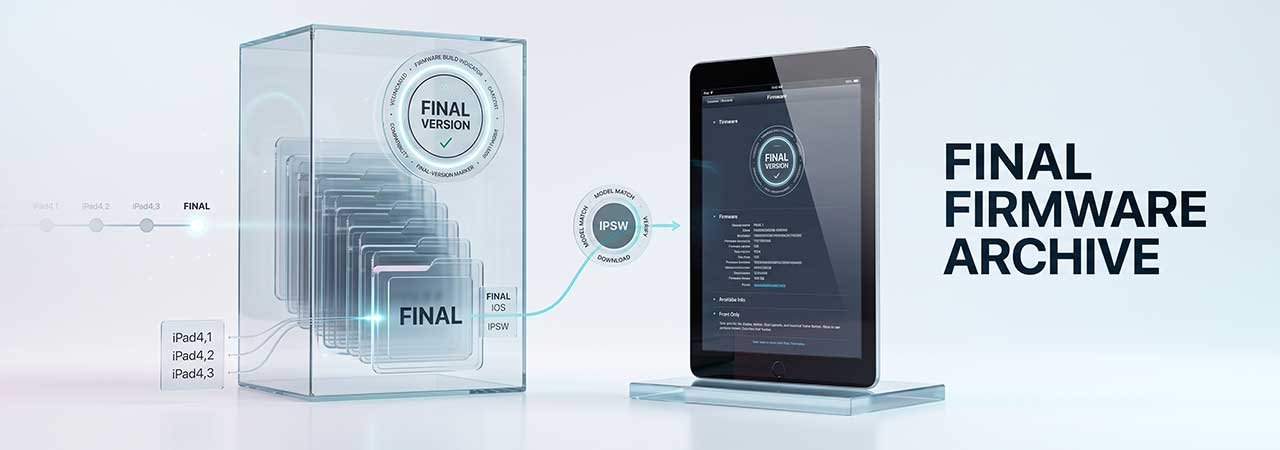
Direct Answer: The last iPadOS version for the iPad Air (1st generation) is iPadOS 12.5.8 (build 16H88), the same across all three identifiers. That is three major versions below the iPad Air 2, which uses the newer A8X chip and reaches iPadOS 15.8.8 (build 19H422).
iPad Air (1st Generation) Model Identifiers
| Model identifier | A-Number | Configuration | Final iPadOS | Download |
|---|---|---|---|---|
| iPad4,1 | A1474 | Wi-Fi | iPadOS 12.5.8 (16H88) | iPad4,1 firmware |
| iPad4,2 | A1475 | Wi-Fi + Cellular | iPadOS 12.5.8 (16H88) | iPad4,2 firmware |
| iPad4,3 | A1476 | Wi-Fi + Cellular (China) | iPadOS 12.5.8 (16H88) | iPad4,3 firmware |
Confirm your identifier at Settings → General → About → Model Number. All three identifiers share the same final build — there is no Wi-Fi versus cellular split for this generation.
Why the Original Air Stops Three Versions Below the Air 2
The iPad Air (1st gen) uses Apple's A7 chip, and Apple's minimum hardware requirements for iPadOS 13 excluded it — so iPadOS 12.5.8 is a permanent ceiling. The iPad Air 2 is not in the same position: it uses the newer A8X chip and reaches iPadOS 15.8.8 (build 19H422), three major versions higher — see iPad Air 2 Firmware for that generation's identifiers and restore steps. If you are comparing the two Air generations for continued use, software support is the single biggest difference between them. The devices that genuinely share the original Air's ceiling are the iPad mini 2 and iPad mini 3, which use the same A7 chip and also stop at iPadOS 12.5.8.
What EOL Means for This Device
- No further major versions: the iPad Air (1st gen) will never run iPadOS 13 or later.
- 64-bit, but still capped: the A7 is a 64-bit chip, so this isn't a 32-bit compatibility problem — the constraint is that current apps require iPadOS versions above 12, which this device cannot run regardless of architecture.
- Security patching has ended: iPadOS 12.5.8 is the permanent end of the line for this device, not a current snapshot.
- Realistic use case: the device remains functional for browsing, email, and older or already-installed apps, but current apps increasingly require newer iPadOS versions.
Currently Signed Build (Verify Live)
Because the iPad Air (1st gen) reached end-of-life years ago, iPadOS 12.5.8 has remained the only signed option and is unlikely to change. Confirm current status on the device page before restoring — see how to check IPSW signing status.
Restoring an iPad Air (1st Generation) Using an IPSW File
- Back up any data you need — restoring erases the device.
- Download the IPSW matching your exact identifier (iPad4,1, iPad4,2, or iPad4,3). Confirm it is signed.
- Disable Find My iPad: Settings → [Your Name] → Find My → Find My iPad → Off.
- Connect the iPad to a Mac or PC via Lightning cable.
- Open Finder (recent macOS), Apple Devices, or iTunes and select the iPad.
- Hold Option (Mac) or Shift (Windows), click Restore iPad, and select the downloaded IPSW file.
If the device gets stuck during restore, see Boot Loop Fix: Recover Without Losing Data for DFU-mode recovery steps — the same DFU process applies to iPad.
For the full range of iPad models and their identifiers, see iPad Firmware: IPSW Downloads for Every iPad Model. You can also browse every model from the iPad firmware page.
FAQ
What is the last iPadOS version for the iPad Air (1st generation)?
iPadOS 12.5.8 (build 16H88), the same final build across all three identifiers: iPad4,1 (Wi-Fi), iPad4,2 (Wi-Fi + Cellular), and iPad4,3 (Wi-Fi + Cellular, China).
Is the final build different between the iPad Air (1st gen) and iPad Air 2?
Yes. The iPad Air (1st generation) uses the A7 chip and stops at iPadOS 12.5.8 (16H88). The iPad Air 2 uses the newer A8X chip and reaches iPadOS 15.8.8 (19H422) — three major versions higher.
Can I install iPadOS 13 on the original iPad Air?
No. The A7 chip in the iPad Air (1st gen) is not supported by iPadOS 13 or any later version. This is a permanent hardware limitation.
Does the original iPad Air have a 32-bit app problem like older devices?
No. The A7 is a 64-bit chip. The practical limitation is that current apps require iPadOS versions above 12, not an architecture restriction.
What is my iPad Air's model identifier?
Check Settings → General → About → Model Number. The original iPad Air is iPad4,1 (Wi-Fi), iPad4,2 (Wi-Fi + Cellular), or iPad4,3 (Wi-Fi + Cellular, China).


