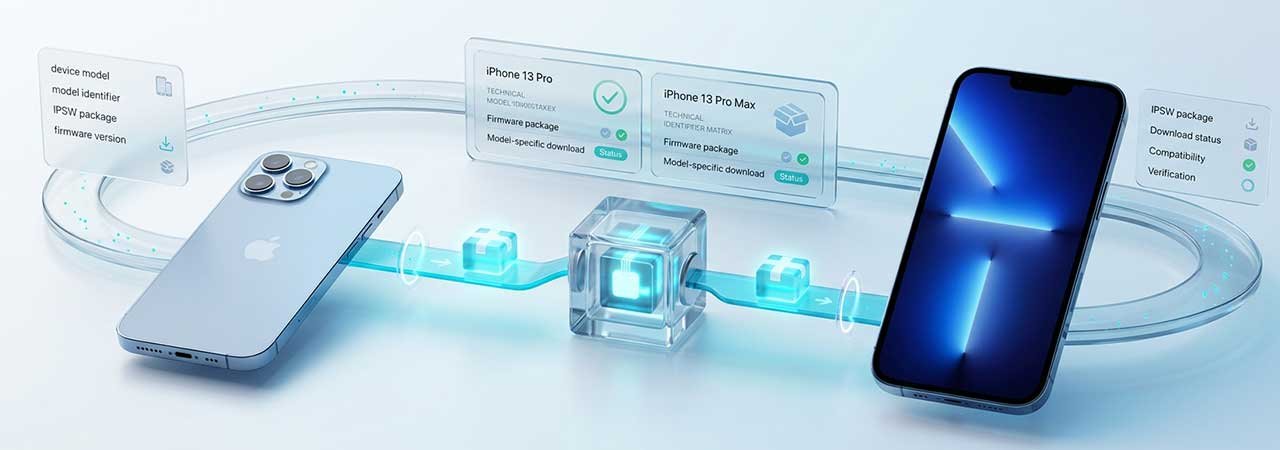
The iPhone 13 Pro and iPhone 13 Pro Max share a name, a chip, and a release date — but not a firmware file. Each has its own model identifier, and downloading the wrong one fails at verification before the restore even starts. This guide covers what's specific to the two Pro variants: their identifiers, what actually differs between them and the standard iPhone 13, and how to avoid the mix-ups that are easy to make when the two are shopped and searched for side by side.
For the full four-model iPhone 13 lineup (including the standard and mini), see the iPhone 13 Firmware guide. This page goes deeper on the two Pro models specifically.
iPhone 13 Pro and Pro Max Identifiers
| Model | Identifier | Chip | Screen |
|---|---|---|---|
| iPhone 13 Pro | iPhone14,2 | A15 Bionic | 6.1" |
| iPhone 13 Pro Max | iPhone14,3 | A15 Bionic | 6.7" |
The two identifiers are easy to transpose — iPhone14,2 and iPhone14,3 differ by one digit but are not interchangeable. An IPSW built for one will not restore the other; the restore fails at the signature/board-ID check before any files are written, so there's no partial-install risk, just a failed attempt and a wasted download.
What Actually Differs Between Pro, Pro Max, and Standard
All iPhone 13 models — mini, standard, Pro, and Pro Max — run identical iOS versions and build numbers at the same time. The Pro and Pro Max share the same camera system and ProMotion display; the Pro Max simply carries a larger battery and screen. Nothing about iOS version eligibility distinguishes Pro from Pro Max — the only differences are the physical size and battery capacity, which is why the firmware separation exists at the identifier level rather than at the iOS-version level.
What the Pro line adds over standard iPhone 13 (already covered on the family guide) is the LiDAR scanner, ProMotion's variable refresh rate, and the third telephoto camera — all of which are enabled through the same firmware package tied to the Pro/Pro Max identifiers, not through a separate iOS build.
Restoring an iPhone 13 Pro or Pro Max
The restore process is identical to any other iPhone 13 model — there is no Pro-specific restore procedure. Back up your device, turn off Find My (Settings → your name → Find My → Find My iPhone), connect with a Lightning cable, and in Finder, the Apple Devices app, or iTunes hold Option (Mac) or Shift (Windows) and click Restore, then select the IPSW matching your exact identifier — iPhone14,2 for Pro, iPhone14,3 for Pro Max. If the device is unresponsive, use Recovery Mode first.
Before downloading, confirm the build is still signed: Apple signs only the current build at any given time — check the live signing status rather than assuming a version you've seen mentioned elsewhere is still installable.
Download Links
Browse every iPhone model from the iPhone firmware page.
iPhone 13 Pro & Pro Max Firmware FAQ
Is the iPhone 13 Pro Max firmware different from the iPhone 13 Pro?
Yes. They share the A15 Bionic and run identical iOS versions, but each has its own model identifier (iPhone14,2 for Pro, iPhone14,3 for Pro Max) and its own IPSW file. The files are not interchangeable.
What is the model identifier for the iPhone 13 Pro Max?
iPhone14,3. The standard iPhone 13 Pro is iPhone14,2 — the two are easy to transpose since they differ by one digit.
Does the iPhone 13 Pro Max get a different iOS version than the Pro?
No. Both run the same iOS version and build number at the same time. The difference between them is hardware (screen size, battery), not software eligibility.
Can I use an iPhone 13 Pro IPSW on a Pro Max, since they're so similar?
No. Despite sharing a chip and camera system, the two have distinct identifiers and the restore will fail at the signature check before anything is written to the device.
What's different about restoring a Pro or Pro Max versus a standard iPhone 13?
Nothing in the restore procedure itself — the steps in Finder, Apple Devices, or iTunes are identical across all four iPhone 13 models. The only thing that changes is which IPSW file matches your exact identifier.
Will iPhone 13 Pro and Pro Max get iOS 27?
Not yet confirmed by Apple. Check the iOS 27 supported devices list once Apple publishes the compatibility list, typically around WWDC.


