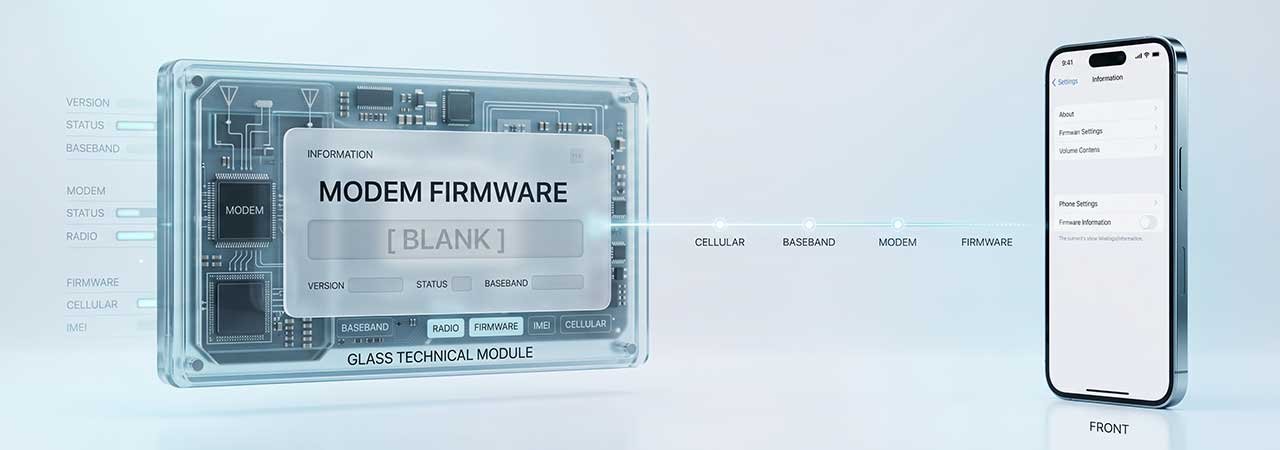
Open Settings → General → About on an iPhone and, among the version numbers, there is a line called Modem Firmware. It has its own version, unrelated to anything you recognise from iOS, and occasionally it is blank — which reliably sets off a round of worry about whether something is broken.
Direct Answer: Modem firmware is the separate software that runs your iPhone’s cellular modem. It ships inside the IPSW alongside iOS and updates with it — you cannot install or update it on its own. A blank Modem Firmware line usually indicates the modem is not being detected, which is a symptom worth investigating rather than a version problem to fix.
What Modem Firmware Is
The cellular modem in an iPhone is effectively a separate computer with its own processor and its own software. That software — the modem firmware, sometimes called the baseband — handles talking to cell towers: radio protocols, frequency bands, call and data handling. It is versioned independently of iOS because it is a different piece of software for a different chip.
When you restore or update an iPhone with an IPSW, the modem firmware appropriate to that build is part of the package and is applied along with everything else. It is one of several components bundled inside the file — see What Is an IPSW File? for what else is in there.
Three Things People Confuse
| What | What it is | How it updates |
|---|---|---|
| Modem firmware | Software running the cellular modem chip | Bundled in the IPSW; updates with iOS |
| Carrier settings | Small configuration bundle from your network operator | Separately, via a prompt in Settings |
| iOS version | The operating system itself | Software Update or an IPSW restore |
The practical upshot: you cannot chase a newer modem firmware version by itself, and a carrier settings update is a different thing entirely from a modem firmware change.
Why the Line Is Sometimes Blank
An empty Modem Firmware field means the device is not reading a version back from the modem. That is usually a symptom of the modem not being detected at all, and it typically travels with other signs — no service, no IMEI, or a permanent “Searching”. Common explanations, roughly in order of how easily they are resolved:
- A restore that did not complete cleanly. If the device has recently been through a failed or interrupted restore, a full clean restore with a verified IPSW is the reasonable first move.
- A software state problem that a restore clears, which is why “restore and see” is the standard first response.
- A hardware fault in the modem or its connections. If a clean restore does not bring the version back, this becomes the likely explanation, and it is not something a different firmware file will fix.
Worth being blunt about the last one: if a verified, correctly matched IPSW restores successfully and the field is still empty with no service, the problem has moved beyond software. No IPSW download solves a modem that is not physically responding, and sites promising otherwise are not being straight with you.
Can You Update or Downgrade Modem Firmware Separately?
No. There is no supported mechanism to install modem firmware independently of iOS. The version you have is whichever shipped with the iOS build on the device, and the only way it changes is by moving to a different iOS build — which is itself limited by what Apple is currently signing. See how to check IPSW signing status for that constraint, and what a signed IPSW is for why it exists.
If You Are Troubleshooting Cellular Problems
Modem firmware is rarely the useful place to start. Check for a carrier settings update first, since that is the part actually intended to change independently. If you are going to restore, match your exact device identifier — see identify your iPhone model — and verify the file before you use it with an IPSW checksum check. Firmware for every model is on the iPhone firmware page.
FAQ
What is Modem Firmware on an iPhone?
It is the software that runs the iPhone’s cellular modem — a separate chip from the main processor, with its own independently versioned software handling radio and network functions.
Why is my Modem Firmware blank?
A blank field means no version is being read back from the modem, usually because the modem is not being detected. It often accompanies no service, a missing IMEI, or a constant Searching state. A clean restore is the standard first step; if that does not restore the value, a hardware fault is likely.
Can I update modem firmware separately from iOS?
No. Modem firmware is bundled inside the IPSW and applied with iOS. There is no supported way to install or update it on its own.
Is modem firmware the same as carrier settings?
No. Carrier settings are a small configuration bundle from your network operator and update separately via a prompt in Settings. Modem firmware is the modem’s own software and changes only with iOS.
Will restoring my iPhone update the modem firmware?
It will apply whichever modem firmware ships with the iOS build you restore to. You do not choose it independently, and you cannot mix a different modem firmware with a given iOS version.
Does a different iOS version mean different modem firmware?
Often, yes — different iOS builds carry different modem firmware versions. But since you can only install builds Apple currently signs, your practical choice is limited to those.


