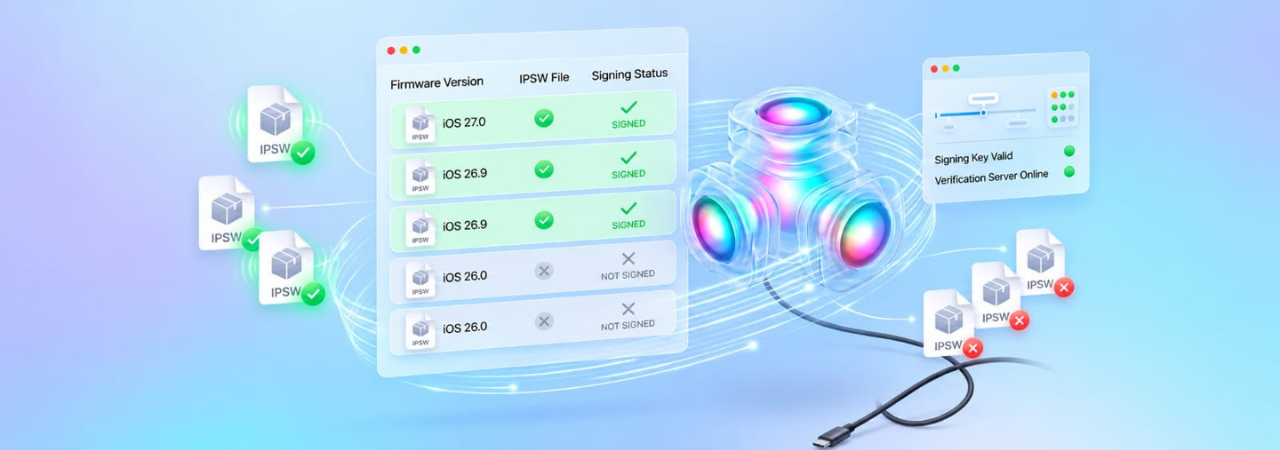
iOS 27 IPSW Signing Status — What's Signed Now
Apple controls which iOS versions can be installed through a signing window. When a build is "signed," Apple's servers will authenticate a restore request for that build. When it is "unsigned," the restore fails — even if you have the IPSW file on your computer. This page explains how signing works, what is currently signed for iOS 27 and iOS 26, and where to check live signing status before attempting any restore.
Direct Answer: To check live iOS 27 signing status for your specific device, go to the IPSW.io iPhone firmware page, select your device, and look at the signed/unsigned indicator next to each iOS 27 build. Apple signs only the newest iOS 27 beta build at any time. Apple signs new beta builds and simultaneously closes signing on previous betas — always verify before downloading.
How iOS Signing Works
When you restore an iPhone using an IPSW file, the device contacts Apple's signing servers (SHSH servers) to validate the firmware. Apple checks whether it is currently willing to sign that specific build for that specific device. If yes, the restore proceeds. If no, you get an error: "This device isn't eligible for the requested build."
Apple uses signing to control which iOS versions are in active use. The practical effect:
- New builds open: When Apple releases a new iOS 27 beta, it starts signing that build for all supported devices
- Old builds close: Apple typically closes signing on the previous beta build within days to weeks of releasing the new one
- Major version transitions: Apple closes signing on iOS 26 builds shortly after iOS 27 releases publicly — typically within 2–4 weeks
- Security patches: Apple sometimes keeps signing the last security patch of a previous version briefly after a major release
Current iOS 27 Signing Status
| Build | Version | Release Date | Status |
|---|---|---|---|
| Beta signing windows close quickly — Apple signs only the newest iOS 27 beta and closes the previous build as soon as a new one ships, often weekly. Because of that this page does not list a fixed build; check the live signing status for the build being signed right now. | |||
Important: Signing status changes without notice when Apple releases a new build. The table above reflects status as of late July 2026. Always verify live at IPSW.io before attempting a restore.
Current iOS 26 Signing Status
iOS 26 signing status is especially time-sensitive. Apple will begin closing iOS 26 builds shortly after iOS 27 goes GA in September 2026. If you need to stay on or return to iOS 26, act before the signing window closes.
For live iOS 26 signing status per device model, check the IPSW.io iPhone firmware page and select your device — each build shows a real-time signed/unsigned indicator.
If you need to downgrade from iOS 27 to iOS 26, see How to Downgrade iOS 27 to iOS 26 for the full process.
How to Check Signing Status Before a Restore
- Go to IPSW.io's iPhone firmware page.
- Select your exact device model from the list.
- Find the iOS version you want to install.
- Look for the signed/unsigned badge next to the build number.
- If it is signed, proceed with your download and restore. If it is unsigned, that build cannot be installed — only signed builds work.
IPSW.io pulls signing data from Apple's servers in real time, so the status shown reflects the current state at the moment you check.
Why Apple Closes Signing Windows
Signing control serves two purposes: it prevents users from staying on old versions with known security vulnerabilities, and it prevents researchers and jailbreakers from downgrading to versions with known exploits. For most users, the practical implication is simply: if you want to install an older version, you have a limited time window to do it.
This is why the downgrade from iOS 27 to iOS 26 has a deadline. Once Apple closes iOS 26 signing — expected within weeks of the iOS 27 GA release in September 2026 — that downgrade path is permanently closed for most devices.
What Happens If You Try to Restore to an Unsigned Build
The error message from Finder or Apple Devices will read: "The iPhone '[name]' could not be restored. This device isn't eligible for the requested build."
This means the build is unsigned — there is no workaround through consumer tools. The only option is to choose a signed build instead.
SHSH Blobs — A Note for Advanced Users
SHSH blobs are cryptographic tickets that Apple issues when signing a build. In past iOS versions, third-party tools could save these blobs locally and replay them to install unsigned firmware. This method has not been reliably effective for modern devices (A12 chip and newer) — Apple's Secure Enclave and nonce randomization close the replay path. For iPhone 11 and later (the iOS 27 supported range), SHSH blob replay does not restore to unsigned builds in practice. Do not rely on saved SHSH blobs for iOS 27 downgrade purposes.
Tracking Signing Status During the iOS 27 Beta Cycle
During the beta period, Apple releases new builds approximately every 2–4 weeks. Each new build opens a new signing window and typically closes the previous one within days. If you are running an older beta and want to restore cleanly, act while the current build is still signed rather than waiting for the next release.
For a complete overview of iOS 27 beta builds and IPSW download links, see iOS 27 Beta IPSW — Download Links & Supported Devices.
FAQ
Which iOS 27 beta build is signed?
Only the newest beta build is signed, and Apple closes the previous one as soon as a new beta ships. Signing status can change when Apple releases the next beta. Check IPSW.io for the current live status before attempting any restore.
How do I check if an iOS version is still signed?
Go to the IPSW.io iPhone firmware page, select your device, and look at the signed/unsigned indicator next to each build. The status is pulled from Apple's servers in real time.
Can I install an unsigned iOS build?
No. Apple's signing servers reject restore requests for unsigned builds. The restore will fail with an "ineligible for requested build" error regardless of which tool you use.
How long does Apple keep a build signed?
Beta builds are typically signed for 2–4 weeks after a new beta drops, after which the previous build is closed. Major version transitions (e.g., iOS 27 GA closing iOS 26) typically allow 2–4 weeks after the GA release before signing closes.
Will Apple sign iOS 26 after iOS 27 releases?
Briefly — typically 2–4 weeks. After that, iOS 26 builds will be unsigned and you cannot restore to them. If you want to downgrade, do it before iOS 27's GA release window closes.
Does signing status differ per device model?
Yes. Apple controls signing at the device level. A build may be signed for one device model and unsigned for another, particularly across different chip generations. Always check for your specific device rather than assuming the status from another model applies to yours.
What is an SHSH blob and does it help with iOS 27?
SHSH blobs are signing tickets historically used to replay old firmware installs. For modern devices (A12 chip and newer, which covers all iOS 27-supported iPhones), SHSH blob replay does not enable installation of unsigned builds in practice. Do not rely on saved blobs for iOS 27.
Where is the most reliable place to check iOS signing status?
IPSW.io queries Apple's signing servers directly and shows live status per device. It is the most up-to-date public source for iOS signing status available without tools.


